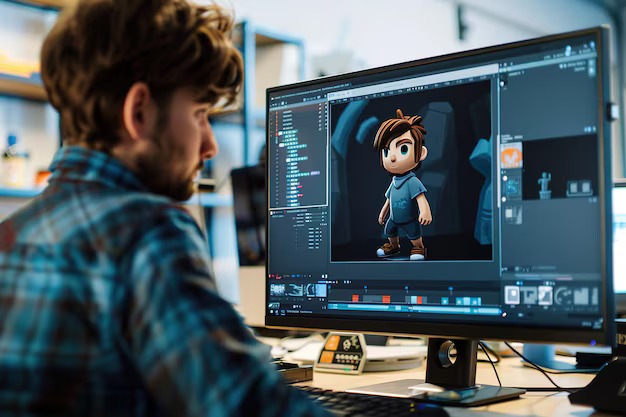
Animating your own characters used to mean learning complex software or hiring help. Now, things look very different. With tools built around the AI video generator from image approach, creators can bring still artwork to life with far less friction. That does not mean it is effortless or flawless. Some results are awkward. Some movements feel off. But for many creators, this is the first time animation feels reachable. It is exciting. It is also a little messy. Both can be true.
Start With a Character Design That Can Actually Move
Not every drawing animates well. Characters with extreme poses, complex clothing, or heavy detail often confuse motion tools. Simpler designs tend to work better, especially at the start.
Helpful tips:
- Use clear outlines
- Keep limbs visible
- Avoid overlapping elements
- Choose neutral poses
You can always add complexity later. Starting simple saves time and frustration.
Prepare Your Image Before Uploading
This step matters more than most people expect. Clean up your artwork before using any motion tool. Remove background clutter. Adjust contrast. Make sure facial features are clear.
AI tools respond to what they see, not what you intended. If the image is unclear, the motion will be too. It feels tedious, but it pays off.
Choose Motion Tools Based on What You Need
Not all AI motion tools do the same thing. Some focus on subtle movement like blinking or breathing. Others generate full-body motion. A few try to do everything and succeed at none.
Ask yourself:
- Do I want idle motion or action
- Do I need camera movement
- Is this for mood or storytelling
Chasing features usually leads to disappointment. Matching the tool to the goal works better.
Start With Short, Controlled Animations
Long clips magnify problems.
Begin with:
- 2 to 4 second animations
- Minimal movement
- Slow pacing
This helps you understand how the tool handles faces, hair, and body alignment. Once you see where it struggles, you can design around those limits. Yes, this part can feel slow. That is normal.
Expect Imperfect Results and Don’t Fight Them
Hands will glitch. Eyes may drift. Hair will sometimes move like it were underwater. That does not mean you failed. Instead of forcing realism, lean into styles that suit AI motion:
- Calm scenes
- Slow turns
- Soft lighting
- Minimal gestures
Some of the most watchable AI animations feel restrained. Loud motion usually exposes flaws faster.
Use Editing to Make It Feel Intentional
Raw AI output rarely looks finished. Simple edits can improve things quickly:
- Cut awkward frames
- Add music or ambient sound
- Use fades instead of hard cuts
Editing is not cheating. It is part of the process. Even traditional animation relies on it. A rough animation with good timing often beats a detailed one with bad flow.
Iterate More Than You Expect
This is where patience gets tested. You may need five or ten attempts to get one usable clip. Sometimes more. Outputs vary, even with the same input. Save everything. Failed attempts still teach you what the tool does and does not like. Progress here is uneven. That can be frustrating. It can also be freeing.
Where Anime AI Video Fits Into Character Animation
Before concluding, it helps to place anime AI video tools in the right role. Anime AI video works best as a motion layer, not a finished product. Many creators use anime AI video to test expressions, pacing, or emotional tone before committing to full animation. When treated this way, anime AI video supports creativity instead of replacing it. Expecting an anime AI video to deliver polished scenes without guidance usually leads to disappointment. Used wisely, it becomes a powerful sketching tool.
Animating original characters no longer requires permission, budgets, or years of training. It does require patience, taste, and a willingness to accept imperfect results. AI motion tools are not magic. They are flexible, unpredictable helpers. If you approach them with curiosity instead of control, you will get more out of them. Some animations will fail. Others will surprise you. That is the trade.