Table of contents:
- What is Google Nano Banana Pro?
- The Smooth Workflow: Consistency and Multi-Turn Mastery
- The Integrated Strategy: Nano Banana Pro and Google Mixboard
- The Roadblocks to a Smooth Experience: User Complaints
- The Ethical Friction: Smooth Tech, Rough Consequences
- Conclusion: The Path Nano Banana Pro Must Walk To Achieve Ultimate Success
In the current mad state of this world with AI tools replicating faster than rabbits here’s Google Nano Banana — not just another tool — the real thing for anyone seriously interested in image manipulation features. We take a close look at its latest aspects: multi-turn consistency + advancedNano Banana Proediting tools that make edits feel like walking through a park — or should I say a glitched park? Yes, we’ll get to that.
Google Nano Banana isn’t kidding around. It claims to solve all your picture problems. Want to keep making slight changes to an image without it breaking? That’s what the multi-turn functionality is for. And Nano Banana Pro? Damn, its tools give you hardcore pixel-level domination over images.
What is Google Nano Banana Pro?
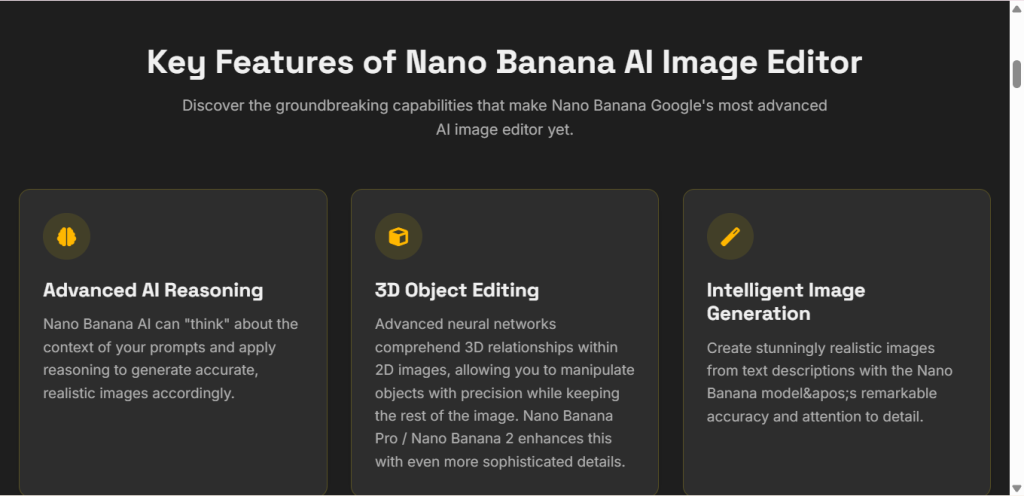
Let’s keep it simple. This is the best AI image generator from Google, based on GEMPIX and connected to their large language model Gemini. Hence, according to them: “the most powerful image generation and editing tool.” Yeah, ’cause compared to its previous version Nano Banana 2, this new one absolutely crushes the old one. It deals with the pro stuff. Think 4K resolution. Speed that doesn’t make you wait forever. And control that lets you boss the image around. Google Nano Banana Pro isn’t built for amateurs. It’s constructed for people who need sharp,high-end output.
Imagine you are a designer. You open Google Nano Banana. Instantly, you get images that look as real as day. No blurs. With Nano Banana Pro, you can also perform professional editing features-change colors, add elements, all in 4K.
But hang on. Is it all smooth sailing? Not quite. We’ll poke at the rough edges later. For now, know that Google Nano Banana Pro sets the bar high. It integrates with other Google bits seamlessly. Or so they claim.
The Smooth Workflow: Consistency and Multi-Turn Mastery
Here’s the lowdown. Google Nano Banana’s major breakthrough is in “smooth multi-turn consistency.” What a mouthful! But yes, very useful. You can edit an image several times and it will keep the most important features consistent. No more character face changes as if they are acting out some lousy horror movie. Nano Banana Pro nails this. You start with a base image. Then tweak it step by step. The system remembers the core stuff. Like lighting or shapes. Take this example from X, that old Twitter thing. A bloke generates a watch product shot using Google Nano Banana.
First background: beach. Looks ace. Then he swaps to city skyline. Still the same watch. Lighting spot on. Reflections perfect. Form unchanged.
Next, mountain view. Seamless. He raves: “The smoothest serial editing available.” Bloody impressive, right? But seriously, why did it take so long for AI to get this right? Other tools mess up consistency. Google Nano Banana Pro fixes that pain.
Now, advanced control features. Style Transfer inGoogle Nano BananaPro lets you slap on new looks without wrecking the original. Compositional Editing? Move objects around like puzzle pieces. It’s all for a smooth flow from idea to final pic.
- Style Transfer Example: Keep the subject’s identity. Turn a photo into a painting. No weird distortions.
- Compositional Editing Example: From left to right. Shift a car in a scene. Lighting adjusts auto. Smooth as butter.
Multi-turn edits? Google Nano Banana loves them, thanks to those Nano Banana Pro tools inside that provide precise control over aesthetics and placement—the reason pros pick it.
The Integrated Strategy: Nano Banana Pro and Google Mixboard
Here comes the intelligent part. Google Nano Banana Pro does not work alone; it pairs up with something called Google Mixboard. What is Google’s AI stuff hub? It handles image, video, text—in other words, multimodal—and routing between them. Google Mixboard is the glue, and Nano Banana Pro is the visual engine inside it. You can create in one pass with zero hiccups. Let us take the case of a digital agency using Google Mixboard. First, a character is designed in Nano Banana Pro with consistency settings locked.
The prompt to Google Mixboard: “Send this to Veo model. Generate a five-second animation video clip showing the character walking.”
The result? The video maintains the same style as the image frame—from still-to-motion smoothly. No wonder they term it ‘creative collaboration’. Why pay for it? Nano Banana Pro is $19.99 a month. High-res output. Priority in Google Mixboard workflow. Worth it if you’re serious.
The Roadblocks to a Smooth Experience: User Complaints
But hold your horses. It’s not all rosy. Users moan about the UX. Bloody hell, for a paid tool, it should be smooth. But no. There are technical glitches galore. Bugs crash the party. The tool has frequent crashing and long queues, even in Pro tier. One user fumes: “It costs money but my membership cannot be synchronized. It’s really hard to use; the whole UX needs to be urgently fixed.” Seriously,Google? You tout smooth workflows. But deliver this mess?
Let’s park sarcasm aside for a moment—it’s actually comical. Nano Banana Pro promises professional-grade output, but the queues make you wait like a total amateur. More complaints: Out of sync across devices; edits disappear; multi-turn consistency? Sometimes it straight-up falls apart.
| Issue | User Gripe | Impact |
| Crashing | “App dies mid-edit” | Lost work |
| Queues | “Wait forever for output” | Frustrated pros |
| Sync fails | “Membership not recognized” | Can’t access features |
Google Nano Banana needs to get its act together or people will stop using it.
The Ethical Friction: Smooth Tech, Rough Consequences
Now the dark side. The problem starts when Google Nano Banana Pro works too well in delivering that output. First up is fraud. We’re talking photorealistic images with no effective watermarks. Scammers love it. They create fake things to use in scams. For example, investment scams. Fake charts from Nano Banana Pro look very real,and people believe such lies and get totally duped.
Romance scams also involve fake profiles with perfect pictures that are hard to detect as fakes against existing detection systems. Seriously Google? Too good tech from your side smooths the path for crooks. Then the economic hit. It automates artist jobs, so corporations cut costs, putting efficiency over human artists. This smooth automation means job loss. Total tragedy.
- Fraud examples:
- Fake product advertisements.
Disinformation campaigns with realistic news images. - Economic impacts:
- Unemployed freelancers.
Corporations save money, artists starve.
Nano Banana Pro is extremely powerful but also totally unhinged. Google has a lot of work to do smoothing out the rough edges.
Conclusion: The Path Nano Banana Pro Must Walk To Achieve Ultimate Success
In conclusion, Google Nano Banana Pro has the potential to dominate the AI image landscape. Its multi-turn consistency is unrivaled. Combined withGoogle Mixboardfor multimodal capabilities? A force to be reckoned with. But there are bugs in the way. UX frustrations dampen the experience. Ethical conflict creates friction. Google Nano Banana needs to sort its shit out: Fix the tech, run smoothly, and be ethical. Then it’s the only tool anyone will need. Seriously. Do not mess this up, Google.